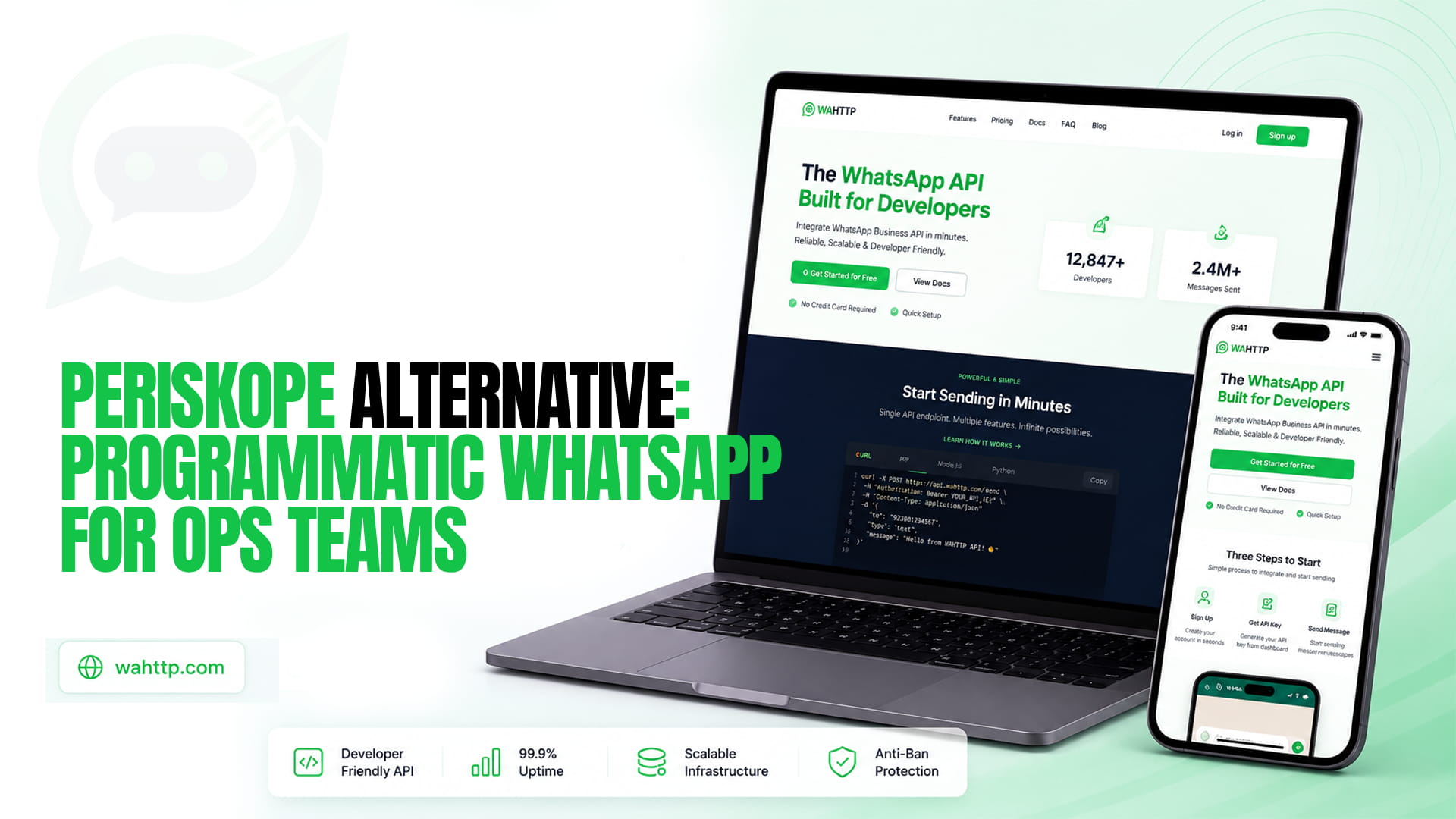
Periskope does one thing well that most WhatsApp tools do badly: it takes WhatsApp groups seriously. A lot of operations really do run on groups, with drivers, vendors, suppliers, and customers in shared chats, and the standard business tooling treats those as an afterthought or not at all. Periskope connects ordinary WhatsApp numbers, with no Business API required, and layers a shared inbox, scheduled group messages, role-based permissions, ticketing, and SLA alerts on top. It says it serves more than 5,000 businesses in over 50 countries.
That is a human-first product, and it is priced that way. If what you want is the opposite, WhatsApp as a programmable channel that code reads and writes with nobody watching a screen- the fit gets worse the more automated you become.
How Periskope is priced
According to Periskope's pricing page, Starter is $25 per user per month and Pro is $35 per user per month. Each includes one user and the first phone, and extra users and extra phones are $25 or $35 a month each respectively. Enterprise is custom with a 50-user or 50-phone minimum. Every plan lists 3,000 bulk-messaging credits per license per month. Add-ons include an AI pack at $25 for 10,000 credits, a rules pack at $50 a month and paid onboarding. A competitor's blog quotes $20 and $30 per user for the same tiers, so the lower figures are probably out of date or wrong, and it is worth checking the page yourself.
Custom APIs and webhooks for groups, chats and numbers are listed on all three plans, as is an MCP server. So the API is not gated behind a higher tier, which is more than you can say for some platforms. The cost shape is what matters for an automated setup: you pay per seat and per phone whether or not a person ever opens the inbox.
If I am reading the page correctly, ten phones on Starter with a single user comes to about $250 a month: $25 for the user and first phone, plus nine extra phones at $25. The same ten sessions on WaHttp are $35. The gap narrows if your team genuinely needs ten seats and the inbox, and widens fast if it does not.
What the page does not tell you
Two things are worth asking Periskope directly. First, the pricing page does not say how phones connect, beyond "no WhatsApp Business API required." Numbers added this way link as devices, outside Meta's official platform, which carries the usual terms-of-service and ban exposure. The homepage says nothing about bans or restrictions at all. Second, the 3,000 monthly bulk credits apply to broadcast-style sending, and the page does not explain how API sends are metered against them. If your use case is high-volume programmatic sending, get that in writing before you rely on it. Our guide to avoiding a WhatsApp number ban covers pacing and the behaviours that raise risk on any linked-device setup, Periskope included.
Where Periskope is the better choice
If your team handles customer or partner conversations by hand and wants them organised, it does that well, and WaHttp does not try to compete. Group management at scale, ticket sync to HubSpot, Freshdesk, Zoho and Slack, SLA breach alerts, private team notes, audit logs and data exports are real features for an operations function. The company also claims GDPR compliance and ISO 27001 certification, which matters if your security review asks. And it says you can connect upwards of 1,000 numbers to one workspace. If ops means a team of people triaging chats, this is a good tool for it.
If ops means automation
Some operations teams use WhatsApp as a notification and data channel: a warehouse system posting dispatch updates to a group, a monitoring job alerting on-call staff, a nightly report sent to managers, a bot logging replies into a database. None of those need an inbox or a seat. They need an HTTP call out and a webhook in.
WaHttp is priced for that. One session is $5 a month with unlimited messages, three are $12, six are $22 and ten are $35, with REST endpoints and webhooks on every plan and no per-user charge. Our guide to receiving messages in real time with webhooks covers the inbound side, and the n8n automation walkthrough shows how to wire alerts and workflows without writing a backend. If an AI agent is part of the plan, WaHttp also runs an MCP endpoint, though Periskope lists one as well, so that is not a differentiator.
The trade is clear. You give up the inbox, ticketing, SLA tracking and the group-management tooling, and your team builds whatever workflow it needs on top of the API.
Side by side
| PeriskopeWaHttp | ||
| Built for | Teams working chats and groups by hand | Code reading and writing WhatsApp |
| Pricing | Per user and per extra phone, $25–$35 each | Flat per session, $5–$35 |
| Ten phones, one user (Starter) | About $250/month | $35/month |
| Shared inbox, tickets, SLAs | Yes | No |
| Group management tooling | Extensive | Via API |
| API and webhooks | All plans | All plans |
| MCP server | Listed on pricing page | Yes |
| Meta approval required | No | No |
Choosing
Choose Periskope if people are the users: agents answering, managers tracking response times, groups being run day to day. Choose a flat-rate API if software is the user and the number of humans involved is small or zero. If your setup is mixed, with an ops team using an inbox and separate systems sending alerts, running both is reasonable, since the cost of an API session is low enough that it does not need to replace the inbox.
Migration notes
Moving automation off Periskope means mapping three things. Outbound sends and group posts go to the new provider's endpoints with the same recipient, message type and body. Inbound events arrive as webhooks, and payload field names will differ, so remap your handler and re-test delivery receipts. Number pairing is a QR scan on both sides. What does not carry over is anything configured inside Periskope itself: tickets, rules, auto-assignments, SLA alerts and CRM syncs. Rebuild those in your own code or in a tool like n8n, and check that any group operations you rely on, such as creating groups or managing participants, are supported by the API you move to.