Let me start with the part most competitor comparisons leave out: Whapi.Cloud is genuinely good, and for a specific set of requirements it is the only sensible choice in its category.
It also costs $35 per connected number per month. That is the second-highest flat rate among session-based providers, and it is the reason this search term exists.
Whether that price is a problem depends almost entirely on two things: how many numbers you run, and whether you need the features Whapi handles better than anyone else.
What Whapi's pricing actually looks like
The headline number varies by how you read their site, so here it is properly.
Standard pricing is $35 per channel per month, discounted to $29 if you pay annually. A channel is one WhatsApp account connected via a linked-device session. There is a progressive discount: $35 each for one to five channels, $30 each for six to twenty, and $25 each for twenty-one to fifty. Volume and white-label arrangements are negotiated separately.
There is also a free-forever sandbox, which is unusually generous for this market: full API functionality, capped at five active conversations a month, 150 messages a day, 30 number checks a day and 1,000 API requests a month. Paid channels get a five-day trial.
Run that against a real deployment and the shape becomes clear:
| NumbersWhapi monthlyWhapi annual | ||
| 1 | $35 | $29 |
| 3 | $105 | $87 |
| 6 | $180 | $174 |
| 10 | $300 | $290 |
The sandbox is excellent for prototyping and, as Whapi themselves note, genuinely usable for lightweight internal automations. Past that, per-channel pricing compounds fast.
Where Whapi is worth every penny
I would rather be useful than persuasive, so here is the honest case for staying.
Channels, Communities and Status. This is the real differentiator. Whapi supports WhatsApp Groups, Communities, Statuses, Calls and Channels through the API, and most of the category does not handle these well or at all. If your product posts to a Channel rather than messaging individuals, or manages Communities programmatically, Whapi is close to the only option that does it properly. No amount of price advantage elsewhere compensates for a feature that does not exist.
Track record. Whapi has been shipping for years with a documented changelog, a support desk and a stable API. In a category full of six-month-old projects, that is worth something real.
Native automation integrations. Direct connectors for n8n and Make, plus standard HTTP for everything else.
Number checking. Validating whether a number is on WhatsApp before sending is built in, which matters for list hygiene.
No number migration. You keep whatever number you already use, including one with years of history.
If any of the first two describe you, stop reading and stay where you are. Genuinely.
Where the price stops making sense
You run more than two or three numbers. This is the main case. Agencies managing client numbers, multi-brand operators, and SaaS products provisioning a number per tenant all hit this wall. Six numbers at $180 a month against roughly $22 to $30 elsewhere is a difference that shows up in your margins, not your rounding.
You only send and receive messages. A large share of Whapi deployments use text, media and webhooks. If Channels, Communities and Status are not in your product, you are paying a premium for capability you never call.
You are past the sandbox but nowhere near production volume. The jump from free to $35 is steep for a side project or an internal tool sending a few hundred messages a month. Providers with a $5 to $6 entry tier fit that gap better.
Your bill is dominated by dormant numbers. Per-channel pricing charges the same for a number handling 50,000 messages and one handling 12. If several of your channels are idle most of the month, flat bundles priced by session count rather than per-channel will cost less.
The alternatives worth evaluating
WasenderAPI at $6 a month for one session, $15 for three, $30 for six and $45 for ten. SDKs for Node, Python and Laravel, Postman collections, MCP support and a self-host option. The closest thing to a like-for-like swap at a fraction of the price, provided you do not need Channels.
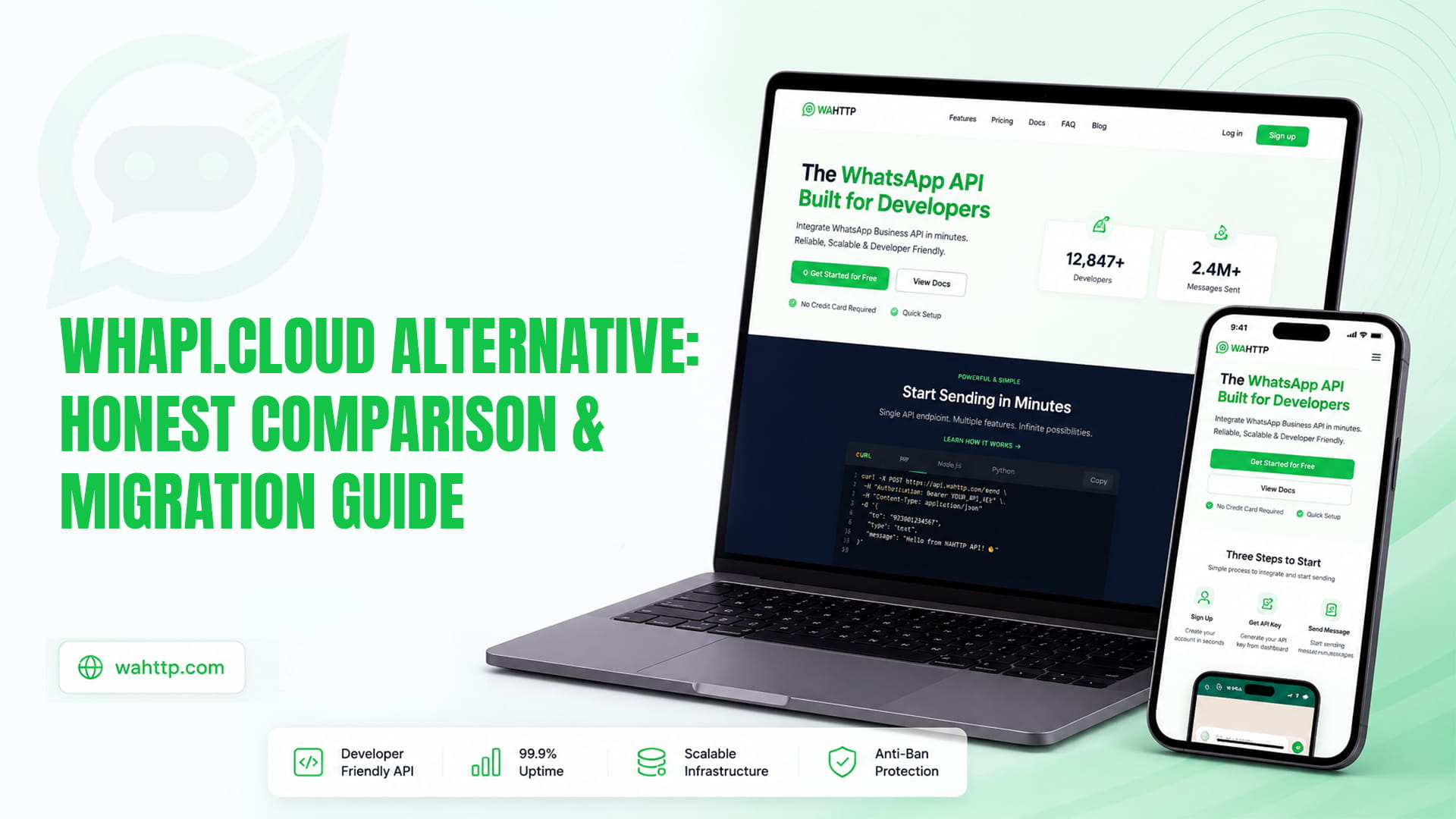
WaHttp, ours, so weigh it accordingly. $5 for one session, $12 for three, $22 for six, $35 for ten, unlimited messages throughout. Plain REST with no SDK required, a Streamable HTTP MCP endpoint for AI agents, server-side pacing and signed webhooks. We are in public beta, which against Whapi's track record is a fair thing to hold against us.
2Chat from around $31 a month if what you actually want is a team inbox and visual bot builder rather than an API. Different product shape, similar price to Whapi.
WAHA, self-hosted under Apache-2.0, with all previously paid features folded into the free image since version 2026.6.1. No recurring fee, at the cost of running a server and absorbing protocol changes yourself.
The wider category, including the official platform, is covered in our provider comparison.
Cost comparison at realistic scale
| NumbersWhapiWasenderAPIWaHttpSelf-hosted | ||||
| 1 | $35 | $6 | $5 | Server + time |
| 3 | $105 | $15 | $12 | Server + time |
| 6 | $180 | $30 | $22 | Server + time |
| 10 | $300 | $45 | $35 | Server + time |
The gap at one number is $30 a month, which most businesses should ignore in favour of whichever product fits better. The gap at ten numbers is $265 a month, or $3,180 a year, which most businesses should not ignore.
What you give up by leaving
Be realistic about this before you start.
Channels, Communities and Status automation, unless your destination specifically supports them. Check this first, not last.
A multi-year operating history, which matters more than feature lists when something breaks at 2am.
Native n8n and Make connectors, though any provider with REST endpoints and webhooks works through generic HTTP nodes with slightly more setup.
The free-forever sandbox, which is a genuinely good deal for prototyping and which most competitors do not match.
What you do not give up: your number, your chat history or your contacts. None of those live in Whapi. And you are not changing your compliance position, because every provider in this category runs the same unofficial protocol under the same terms of service, with the same account restriction risk. Switching does not make you compliant, and anyone implying otherwise is selling something. The Cloud API comparison covers what actually would.
Migration guide
1. Audit what you actually call. List every Whapi endpoint your code touches and every webhook event you handle. Most integrations are thinner than people expect: send text, send media, receive message, receive status. If that list includes Channels or Communities endpoints, stop and reconsider.
2. Map endpoints. Whapi's POST /messages/text maps onto your destination's send endpoint. The concepts are identical across this category: a session or channel identifier, a recipient, a type, a body. Shapes differ, meaning does not. Budget an afternoon.
3. Remap webhook payloads. This is where the time goes. Whapi's event structure will not match your new provider's, so your handler needs updating. If you already normalise inbound events into your own internal type, this is one function. If Whapi's payload shapes are spread through your codebase, fix that while you are in there. It pays for itself on the next migration.
4. Run both in parallel. Keep Whapi live on your production number and connect a spare number to the new provider. Send real traffic through the spare for a week. This is the step people skip and regret.
5. Verify signature verification. Different providers sign webhooks differently, and an endpoint that silently accepts unsigned requests is a vulnerability rather than an inconvenience.
6. Cut over during a quiet window. Unlink the number from Whapi, scan the QR code on the new platform, confirm the session is connected.
7. Warm up gently. Re-authentication on a fresh link is one of the signals that raises restriction risk. Send at reduced volume for several days rather than resuming full throughput immediately.
8. Cancel after a fortnight, not a day. Keep the old subscription running until you are confident. Thirty-five dollars is cheap insurance against a rushed rollback.