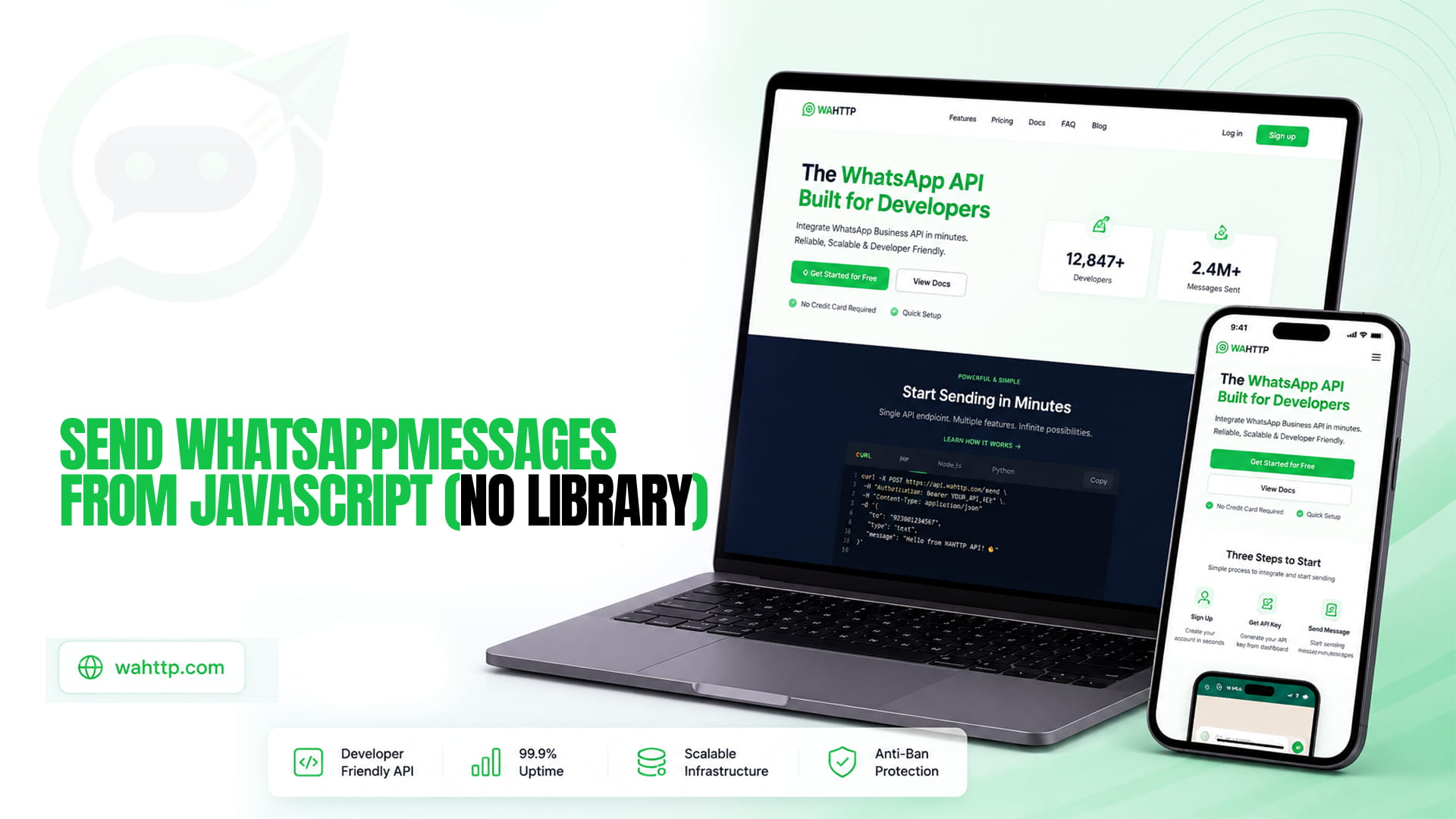
If you want to send a WhatsApp message from JavaScript, you do not need a library. Modern JavaScript already ships with everything required: fetch is built into every browser, Node.js 18+, Deno, Bun, and Cloudflare Workers. No npm install, no SDK to learn, no build step. You call one HTTP endpoint and the message goes out.
This tutorial gives you the copy-paste code and, just as importantly, the one thing most JavaScript WhatsApp tutorials get wrong: calling an API with a secret key from browser code is a security hole, and a direct browser call will usually hit CORS. We cover the working pattern for each runtime, including the fix.
The whole thing, first
Wahttp is the WhatsApp API built for developers. Send and receive WhatsApp messages with a simple, powerful HTTP API. No complex SDKs. No vendor lock-in. Just clean REST endpoints. Here is a complete send in plain JavaScript:
That is the entire integration. The rest of this post is about where to run it safely, because the code is identical everywhere and the environment is what changes.
Before any code: connect a session
Nothing sends until a number is actually connected. Create a session in your WaHttp dashboard, scan the QR code with WhatsApp on the phone you are connecting, and copy the session ID and API key it issues. Those two values are the YOUR_SESSION_ID and YOUR_API_KEY in the snippet above. Until the dashboard shows the session as connected, calls will fail with a clear error rather than hanging, so check connection status first if anything does not work.
Build against a wahttp_test_ key and switch to a wahttp_live_ key only once you are sending to real recipients. Test keys keep a mistake in development from messaging real customers.
The browser problem (and the fix)
Here is the part other tutorials skip. If you paste the snippet above into a webpage, two things go wrong:
- Your API key is public. Any visitor can open DevTools, read the key out of your source, and send WhatsApp messages as you. Never put a Bearer key in client-side JavaScript.
- CORS will likely block the call. Browsers restrict cross-origin requests with custom headers like
Authorizationunless the API explicitly allows your domain. A request that works perfectly in Node can fail silently in the browser.
The fix is a tiny serverless proxy: your page calls your endpoint, and the proxy adds the key server-side. A Cloudflare Worker does it in about fifteen lines, with no server to run:
Set WAHTTP_API_KEY and WAHTTP_SESSION_ID as Worker secrets, deploy, and your frontend calls your Worker URL with just { to, body } — no key anywhere in the browser. The same pattern works as a Vercel or Netlify function if that is where your site already lives. This is the correct architecture for any "send from the browser" feature: the browser collects the input, your serverless function owns the secret.
The same code, every other runtime
Outside the browser there is no CORS and no exposed key, so the original snippet runs as-is. The only difference is how you launch it:
If you are building a full backend rather than a script, the natural next step is a small webhook receiver so you can reply to incoming messages too. The Node.js version of this tutorial builds that out as an Express echo bot in our WhatsApp API with Node.js guide, and our combined Node.js and Python guide covers the same send in both languages side by side, including retries and backoff in full.
Working in Python instead? The WhatsApp API with Python tutorial mirrors this post line for line with requests and httpx.
Sending an image or document
Media uses the same endpoint with a different type. WaHttp fetches the file from your URL, so host it somewhere publicly reachable first:
Give media a longer timeout than text (30 seconds is a good default) because the API downloads your file before delivering it. If you are sending PDFs or documents, the same shape applies with type: 'document'.
Receiving replies: webhooks
Sending is one direction. To receive messages, register a webhook URL in your WaHttp dashboard and WaHttp will POST every inbound message to it as JSON. The event to listen for is message.received, and the payload carries the sender, the message body, and whether it came from a group — check the group flag before auto-replying, or your bot will answer every message in every group it belongs to. Our webhooks deep dive covers signature verification and the acknowledge-first pattern that stops duplicate deliveries.
Three mistakes that break this in production
Skipping the res.ok check. fetch does not throw on a 4xx or 5xx — it resolves normally with a failure status. Without that check, a broken integration looks identical to a working one in your logs. It is the single most common bug in JavaScript WhatsApp integrations.
Wrong number format. Real input arrives as (415) 555-1234 or 415-555-1234. Normalize to E.164 (+14155551234) before sending, not after a message silently fails to land.
Retrying the wrong errors. Retry a 429 or 5xx with exponential backoff and respect any Retry-After header. Never retry a 400 or 401 — a malformed payload or a bad key will fail identically every time you resend it. And pace bulk sends with randomized delays: firing a loop at full speed is one of the clearest automation signals WhatsApp's detection looks for.
Which API model you are coding against
Everything here assumes a session-based REST API, where a plain-text body can go to anyone at any time — which is why none of this deals with template names or approval states. On Meta's official Cloud API, the same send becomes a template call outside the 24-hour customer service window, with variable arrays instead of a free-text body. Settle which one you are building against before you write much code around either; our Cloud API vs session-based APIs comparison lays out the trade-offs.
What this costs once you are past the trial
Everything above runs on a free trial — 100 messages a day for seven days, no card required. Past that, WaHttp pricing runs $5 to $35 a month for one to ten sessions, with unlimited messages on every tier and no per-message fee layered on top the way Meta's official Cloud API charges.